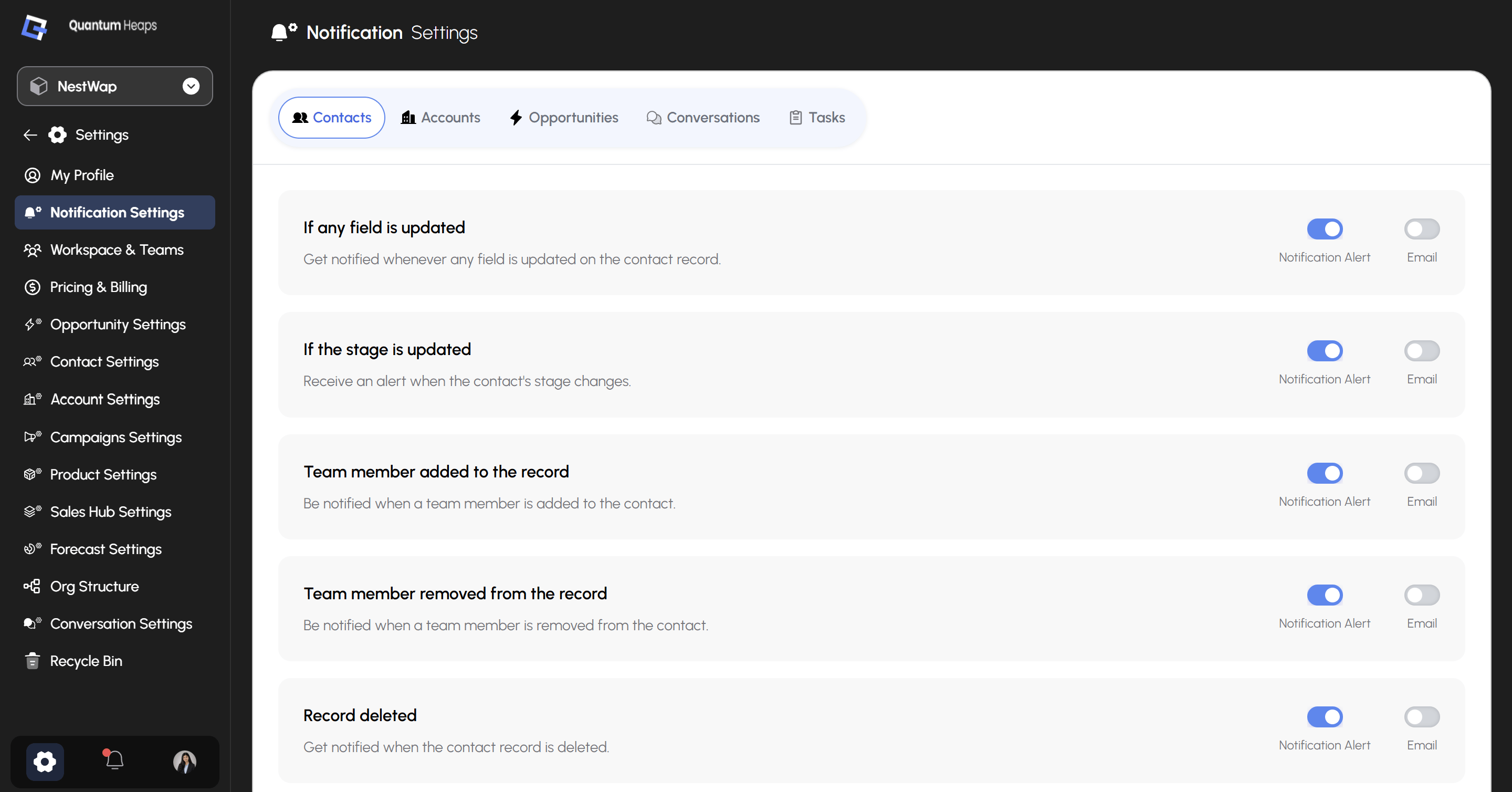
Where to Find It
- Click the Settings icon in the bottom-left corner
- Select Notification Settings from the sidebar
- Choose a module tab at the top — Contacts, Accounts, Opportunities, Conversations, or Tasks
How Notifications Are Structured
Every event has two independent toggles:
You can turn either one on or off per event — for example, keep in-app alerts on for stage changes but skip the email, or the reverse.