- Click the Settings icon in the bottom-left corner
- Select Contact Settings from the sidebar
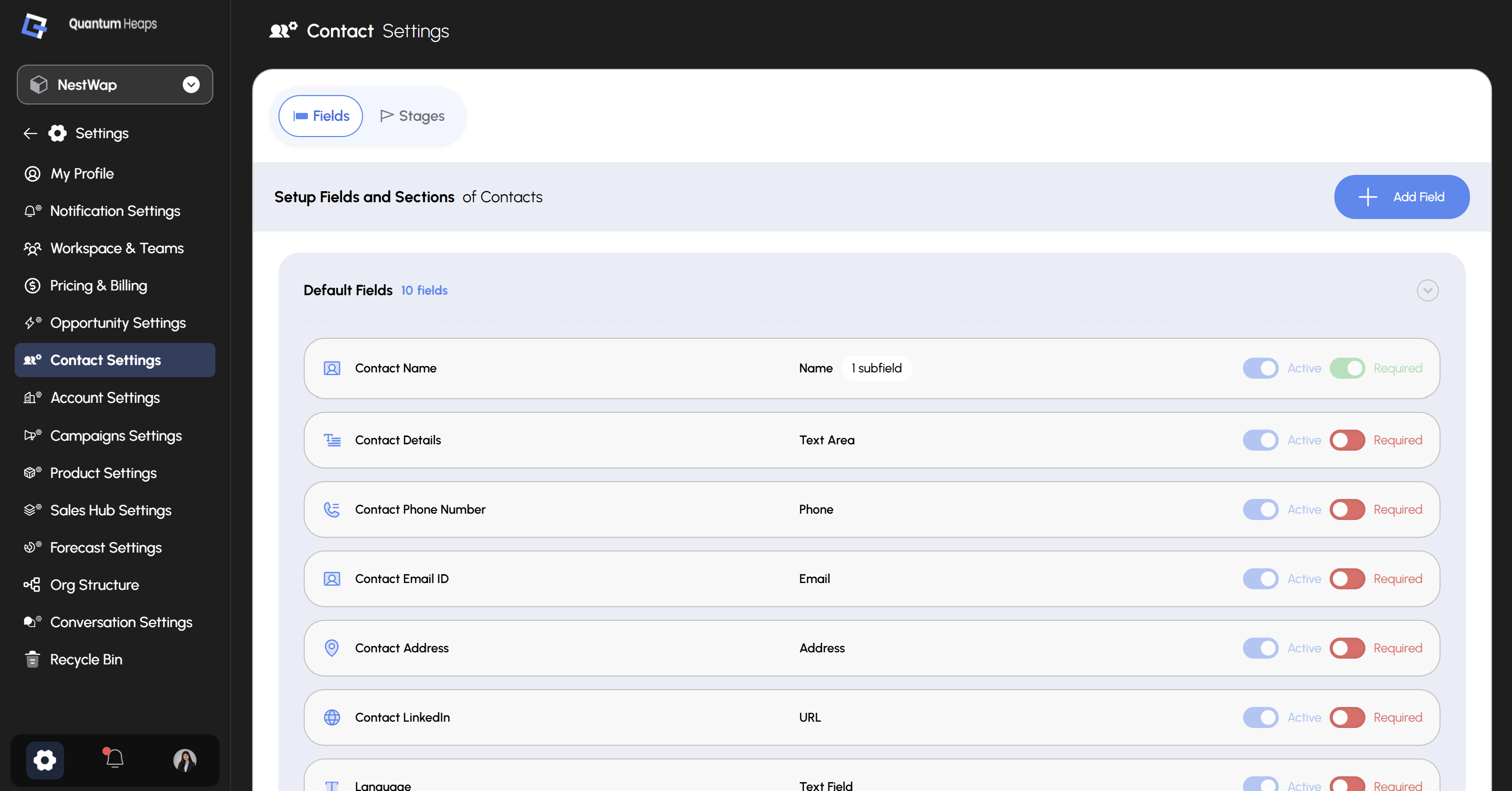
Fields The Fields tab controls which fields appear on the Add Contact form, the contact detail page, and filter panels. Default Fields shows your 10 built-in fields, each with two independent toggles:
Click + Add Field to create a custom field beyond the defaults — you’ll select its section and field type, and can set field-level permissions per role at the same time.
Stages
Use the Stages tab to define and manage the pipeline stages contacts move through:- Click Add Stage to create a new stage
- Use Guided Mode to add stages by stage type more efficiently
- Click the 3-dot menu on any stage to edit or delete it