What Profile Settings Is Used For
Use My Profile to:- Update your personal details — name, email, phone number, and profile picture
- View your work details — designation, manager, territory, and access role
- Confirm which workspace you’re currently active in
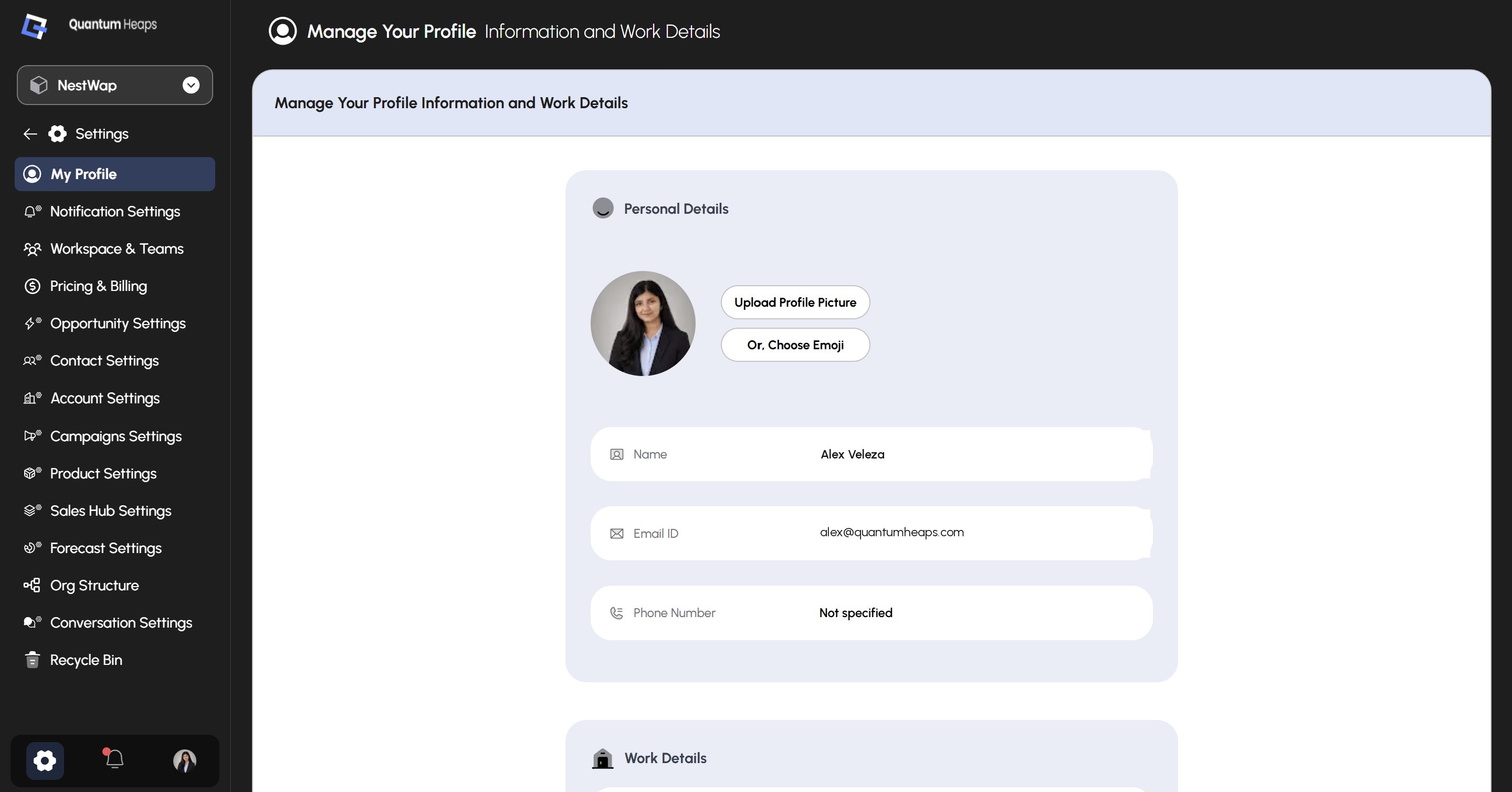
Updating Your Personal Details
Under Personal Details, you can:- Upload Profile Picture — add a custom photo
- Or, Choose Emoji — use an emoji as your profile icon instead
- View and manage your Name, Email ID, and Phone Number
Viewing Your Work Details
The Work Details section shows how you’re set up within your organization:- Designation — your job title (e.g., CEO)
- Reporting to — your manager within the workspace
- Territory Assigned — the sales territory you’re associated with (e.g., Global)
- Access Role — your permission level (e.g., Admin)
- Current Workspace — the workspace you’re currently active in