Where to Find It
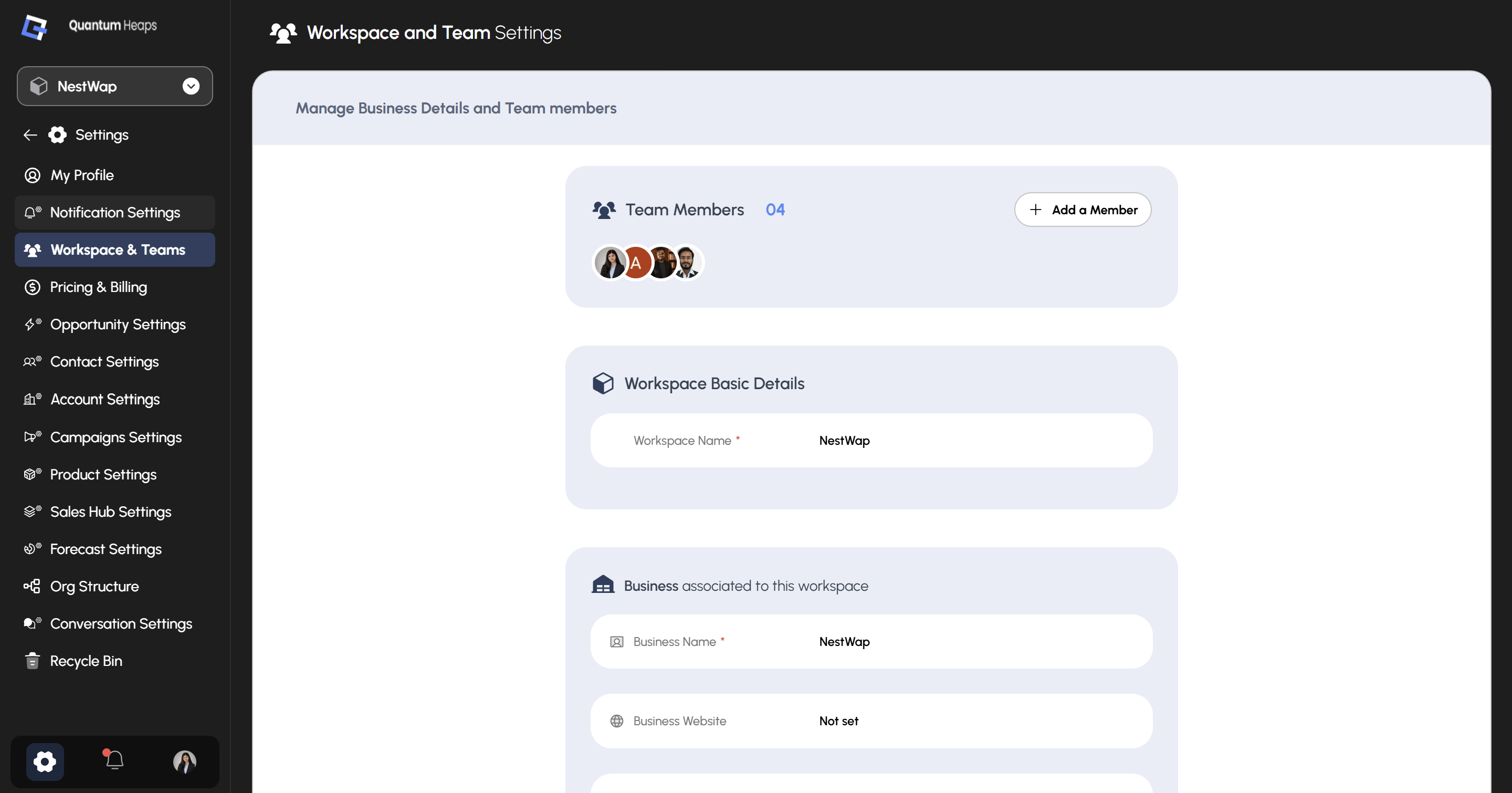
- Click the Settings icon in the bottom-left corner
- Select Workspace & Teams from the sidebar
Team Members
At the top of the page, Team Members shows a running count of everyone in your workspace, with avatars for each person. Click + Add a Member to invite someone new to the workspace.Workspace Basic Details
This section holds the core identity of your workspace:Business Associated to This Workspace
This section captures details about the company the workspace belongs to:
Fields showing Not set haven’t been filled in yet — click into any field to add or update it.