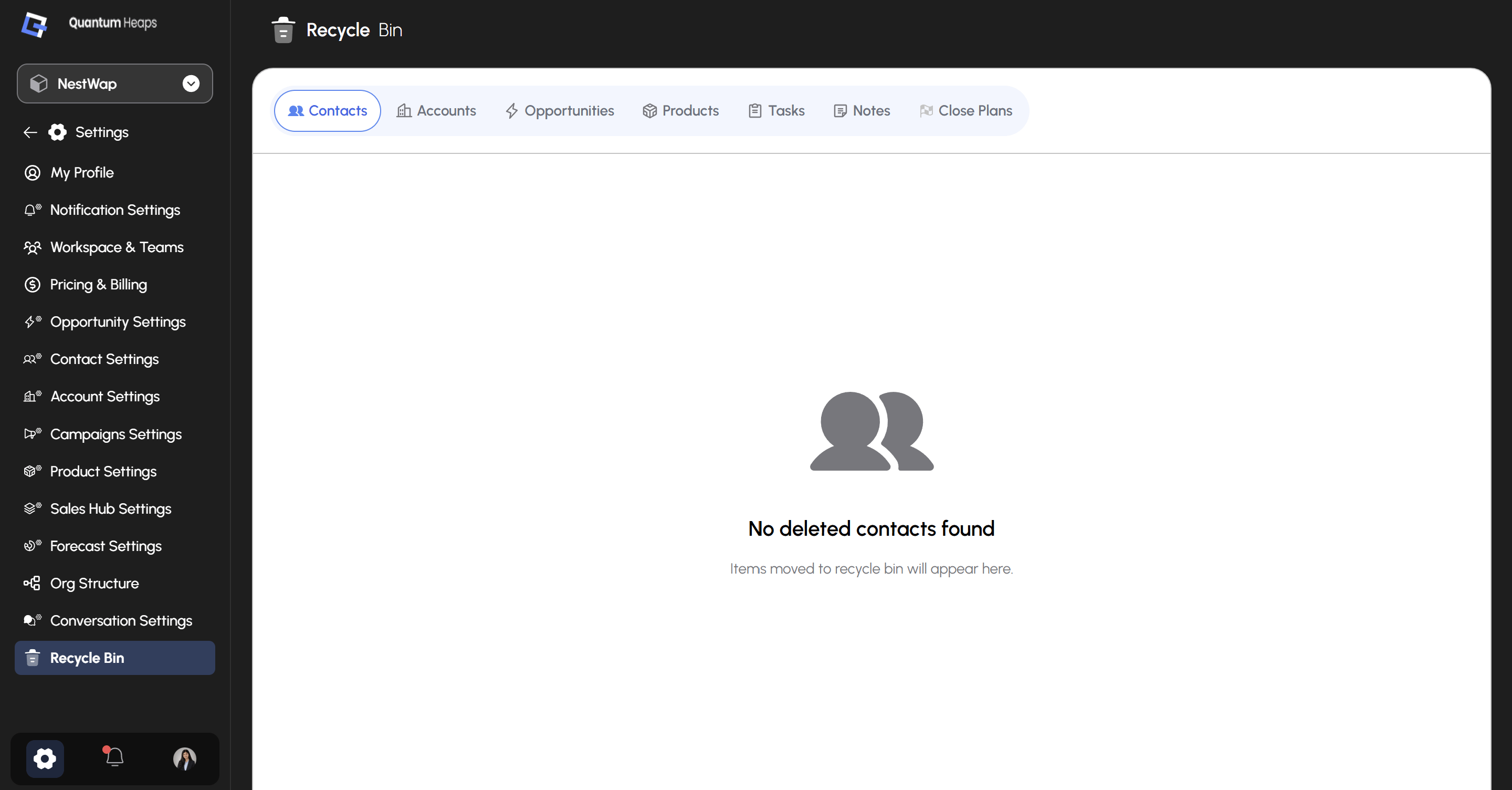
Overview: Recycle Bin is a safety net for deleted records — instead of a delete being permanent the moment you confirm it, records land here first, giving you a chance to recover something removed by mistake.
Seven tabs sit across the top, one per record type: Contacts, Accounts, Opportunities, Products, Tasks, Notes, and Close Plans. Each tab shows only the deleted records of that type.When a tab is empty, you’ll see an illustration and a message like “No deleted accounts found” — with a reminder that “Items moved to recycle bin will appear here.”