Where to Find It
- Click the Settings icon in the bottom-left corner
- Select Forecast Settings from the sidebar
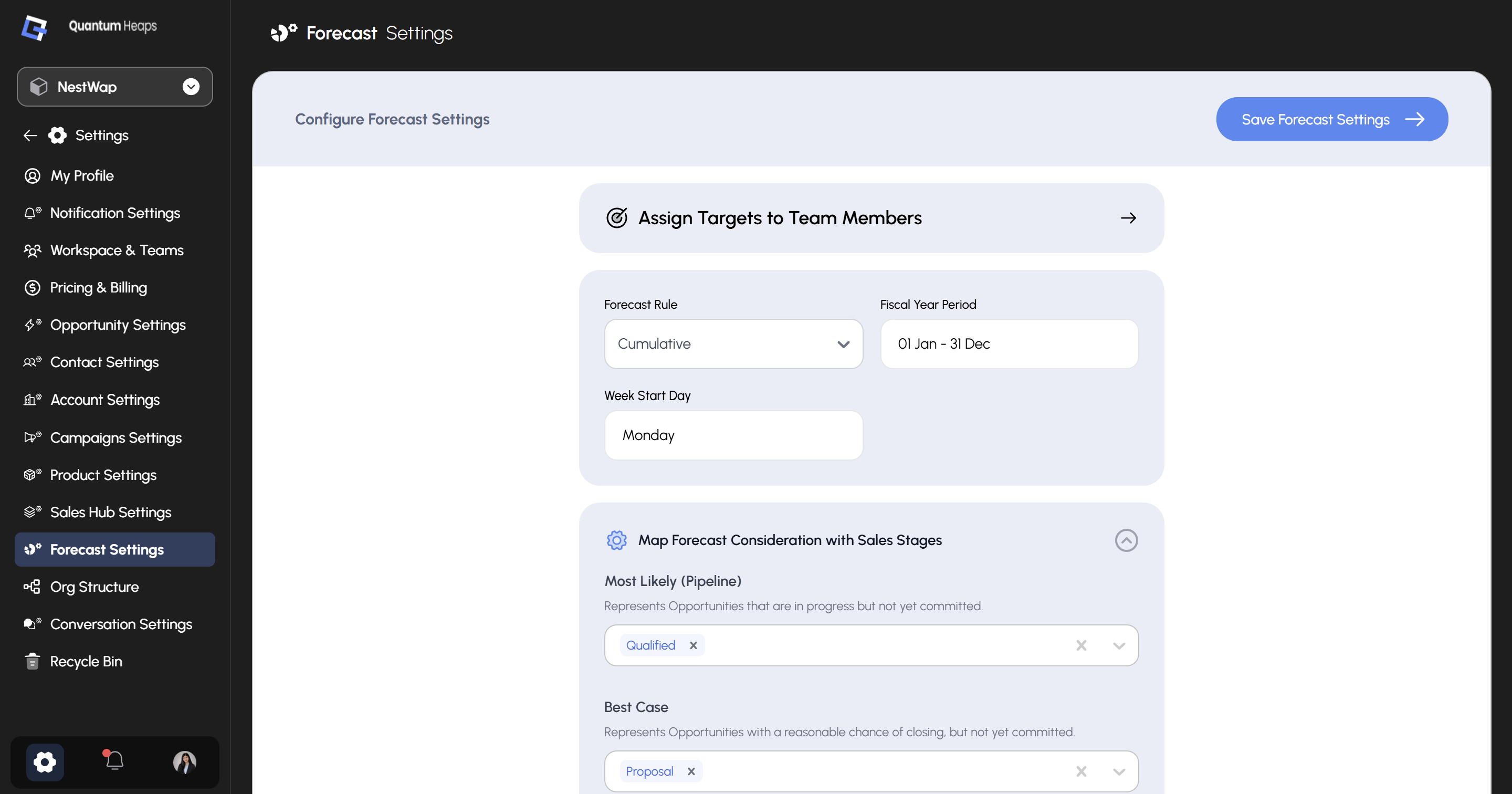
Assign Targets to Team Members
At the top of the page, click Assign Targets to Team Members → to open the target assignment screen, where you set individual quota targets for each person for the current fiscal period.Global Configuration
Map Forecast Consideration with Sales Stages
This is the core of Forecast Settings — it connects your opportunity pipeline stages to the categories shown in the forecast table. Each category has a multi-select stage picker; click the × on any pill to remove a stage, or use the dropdown to add one.
Once you’ve adjusted the mappings, click Save Forecast Settings at the top right to apply all changes.