> ## Documentation Index
> Fetch the complete documentation index at: https://docs.quantumheaps.com/llms.txt
> Use this file to discover all available pages before exploring further.
# Recycle Bin
## **Recycle Bin**
Recycle Bin is a safety net for deleted records — instead of a delete being permanent the moment you confirm it, records land here first, giving you a chance to recover something removed by mistake.
### **Where to Find It**
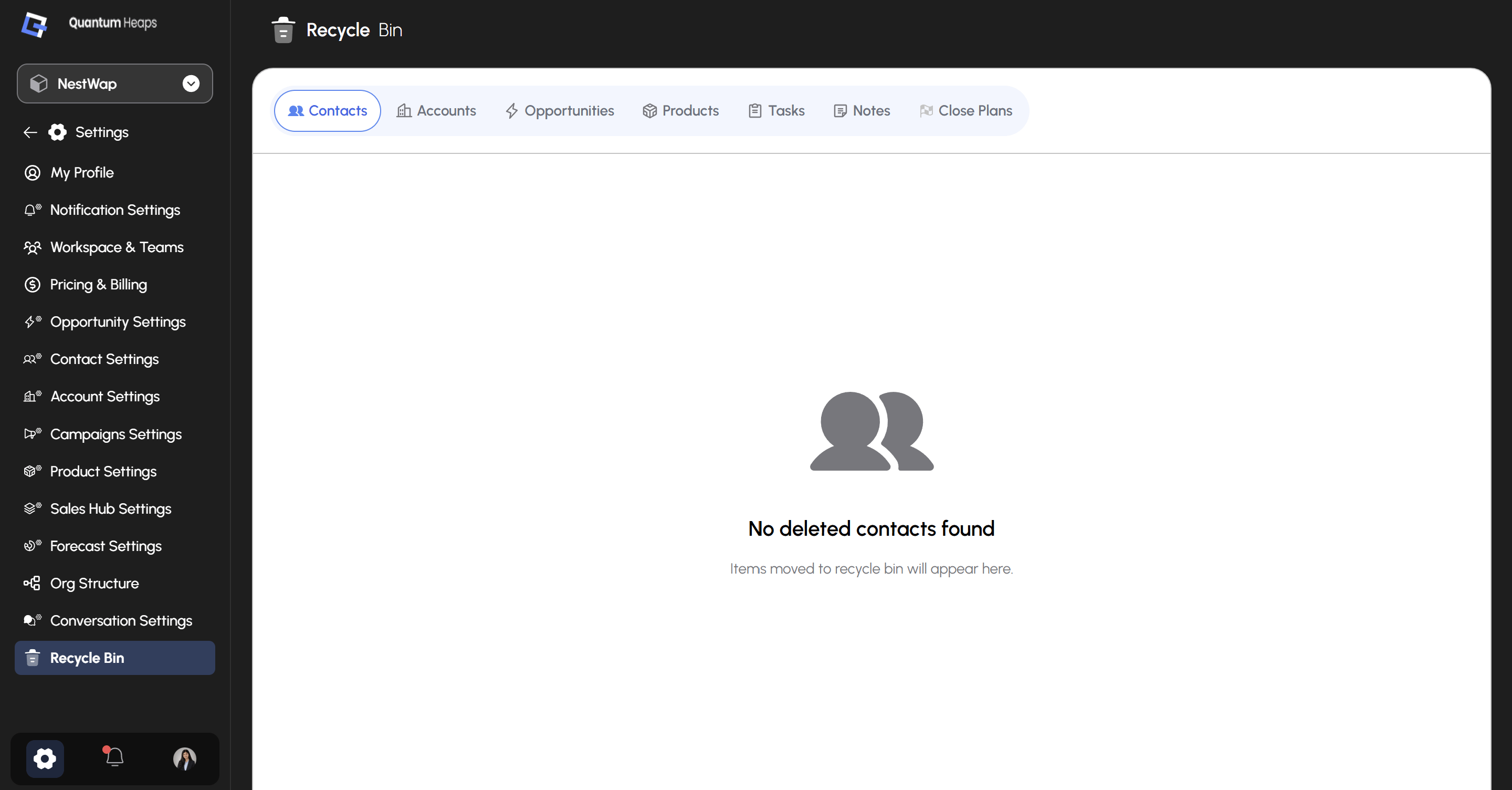
1. Click the **Settings** icon in the bottom-left corner
2. Select **Recycle Bin** from the sidebar
 ### **Viewing Deleted Records**
Seven tabs sit across the top, one per record type: **Contacts**, **Accounts**, **Opportunities**, **Products**, **Tasks**, **Notes**, and **Close Plans**. Each tab shows only the deleted records of that type.
When a tab is empty, you'll see an illustration and a message like **"No deleted accounts found"** — with a reminder that *"Items moved to recycle bin will appear here."*
### **Viewing Deleted Records**
Seven tabs sit across the top, one per record type: **Contacts**, **Accounts**, **Opportunities**, **Products**, **Tasks**, **Notes**, and **Close Plans**. Each tab shows only the deleted records of that type.
When a tab is empty, you'll see an illustration and a message like **"No deleted accounts found"** — with a reminder that *"Items moved to recycle bin will appear here."*